Deploy
/
Static sites
Static sites
If your build output is HTML, CSS and JavaScript with no server logic, deploy it as a static site. There is no container to keep alive, and you pay for bandwidth rather than an instance.
4 min read
When to use a static site
Use a static site when the build produces files and nothing needs to run per request:
- a single-page app talking to an API elsewhere,
- a marketing site or documentation build,
- any framework's static export.
Use a web service instead when requests need server work: server-side rendering, API routes, sessions, or anything reading a database directly.
A static build deployed as a web service is the most common misconfiguration we see. The give-away is a start command that runs a framework's preview or dev server: it will serve traffic, but you are paying for an instance to do what a static site does for free.
Creating one
Choose New service → Static site.

You provide:
- Source. The repository and branch, exactly as for a web service. See Connecting a source.
- Build command. Whatever produces the output, usually
npm run build. - Publish directory. The folder the build wrote to.
The publish directory is the field to get right. Common values:
| Build output | Publish directory |
|---|---|
| Vite | dist |
| Create React App | build |
| Astro | dist |
| Static export | the configured out directory |
If the deploy succeeds but the site is blank or 404s, the publish directory is almost always pointing one level too high or too low. Check what the build actually wrote, then match it exactly.
Single-page app routing
A single-page app handles its own routes in the browser, so a request for
/orders/42 must still be served index.html rather than a 404. Static sites
serve the site's index.html for paths that do not match a file, so
client-side routing works without extra configuration.
After deploying
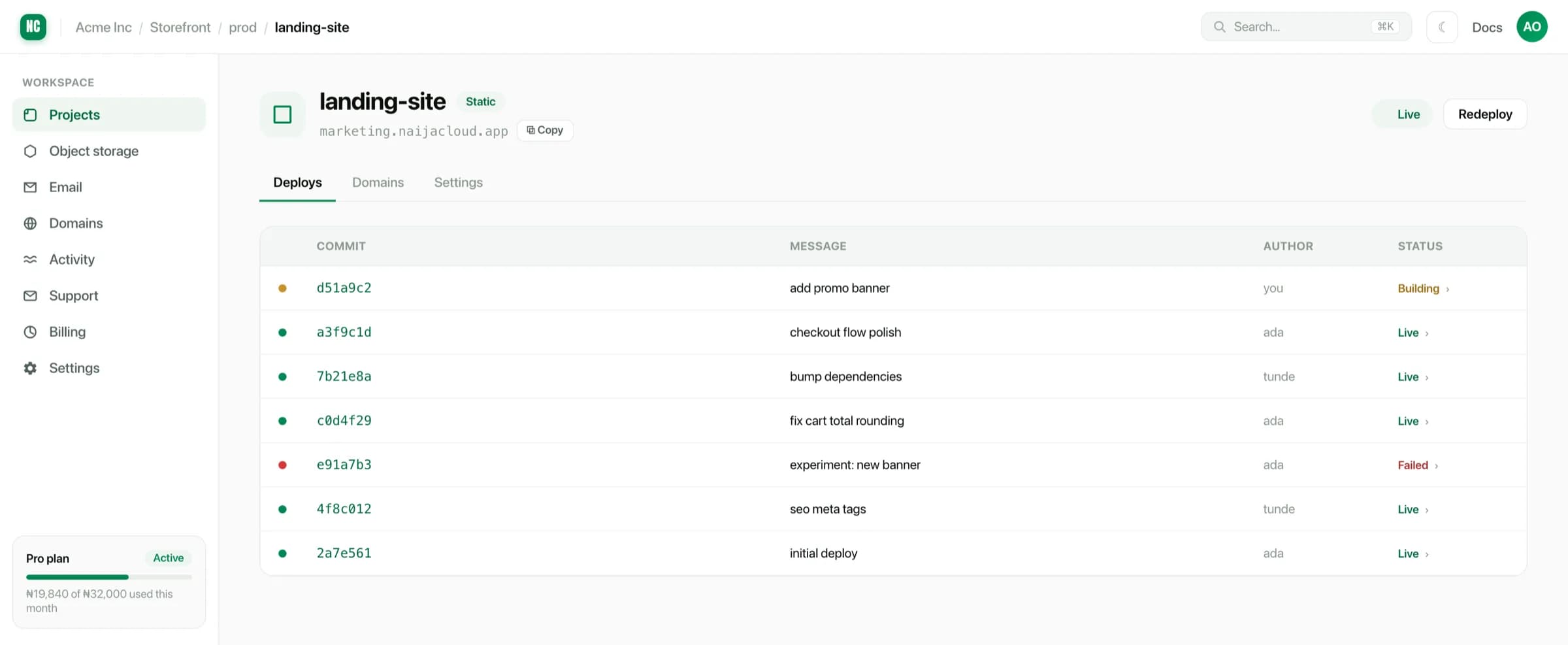
A static site gets a managed HTTPS URL like any other service, can take a custom domain, and redeploys on push.