Deploy
/
Deploys, logs & rollbacks
Deploys, logs & rollbacks
Every deploy is kept in a history you can read and return to. Builds and runtime output stream live, and the version currently serving traffic is never disturbed by a deploy that fails.
4 min read
Deploy history
The Deploys tab lists every deploy for the service, newest first, with its commit, message, author, duration and outcome.
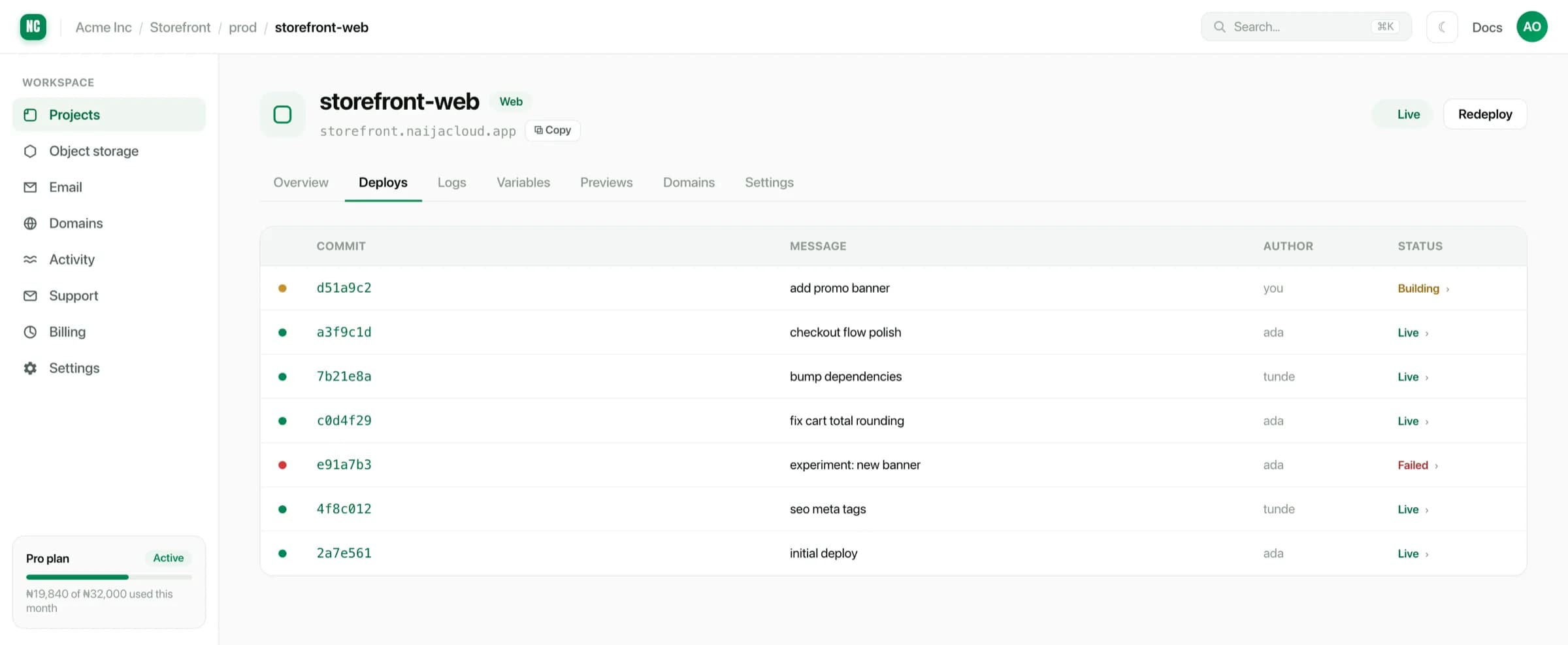
A deploy moves through building, then starting, then live. If it fails, it stops at the step that failed and the previously live version continues to serve.
Live logs
The Logs tab streams output: the build while a deploy is running, and the running process afterwards.
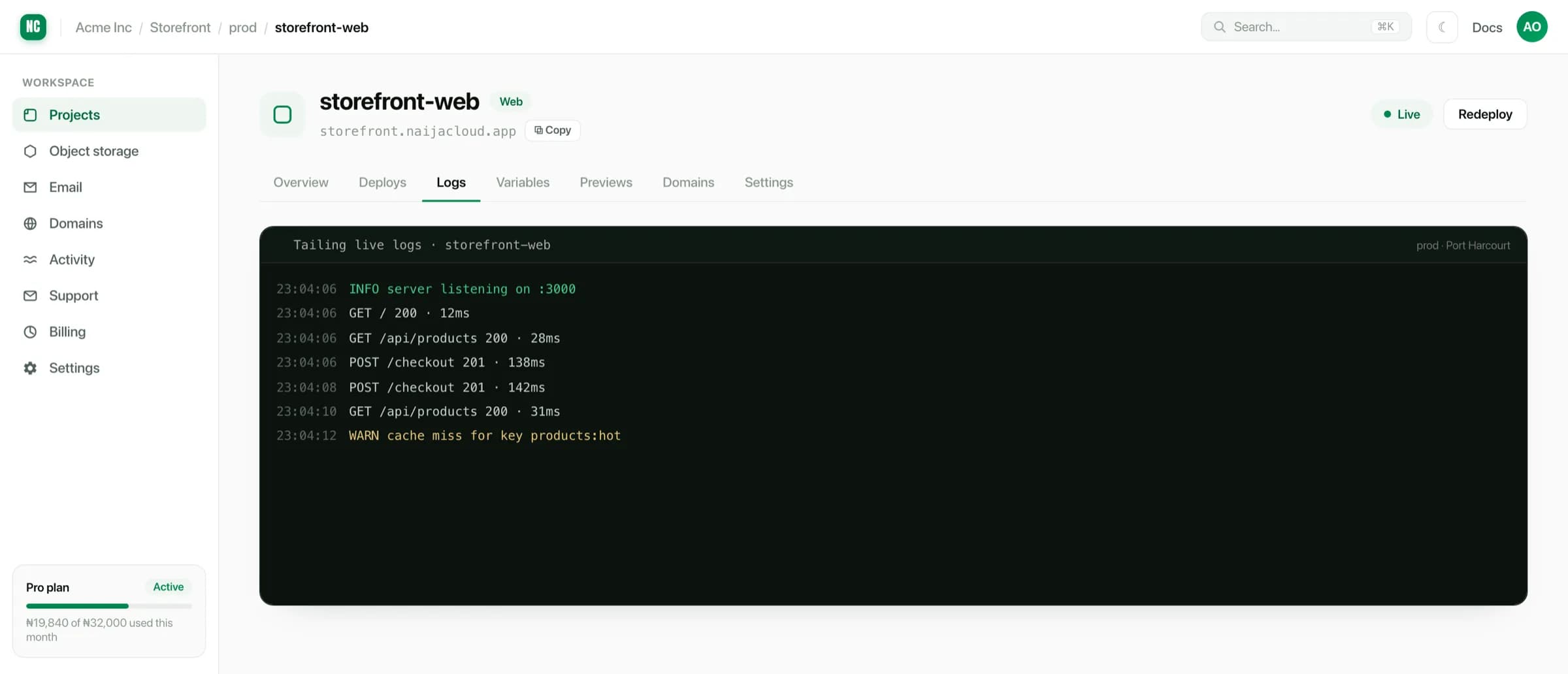
Errors in build output are highlighted, so a failure in a long install log is findable without reading every line.
Builds in a distant region on a slow link can take a while to produce their first output. A quiet log during building is normal, and the stream reconnects on its own if the connection drops.
Cancelling a deploy
A deploy that is still building or starting can be cancelled. Cancelling stops the build and discards it. The live version is untouched, because traffic never moved to the cancelled release.
Useful when you have spotted the mistake before the build finishes, and would rather not wait for it to complete and fail.
Rolling back
Because every deploy is retained, rolling back is redeploying an earlier one: open the deploy in the history and redeploy it. The rollback goes through the same health check as any other release.
A rollback returns your code to an earlier state. It does not roll back a database migration that has already run, nor revert environment variable changes. If a release included a destructive migration, plan the reverse separately.
Redeploying
Redeploy rebuilds the current branch at its latest commit. Reach for it when:
- you changed something outside the repository, such as a variable or the instance type, and want a clean restart;
- the source is a public repository, which does not deploy on push (see Connecting a source);
- a build failed for a transient reason, such as an upstream registry outage.