Domains
/
DNS records
DNS records
Domains registered with Naijacloud have their DNS managed in the same place, so pointing a subdomain at a service does not mean logging into a second provider.
3 min read
Managing records
From Domains, choose Manage DNS on a domain to see its records.
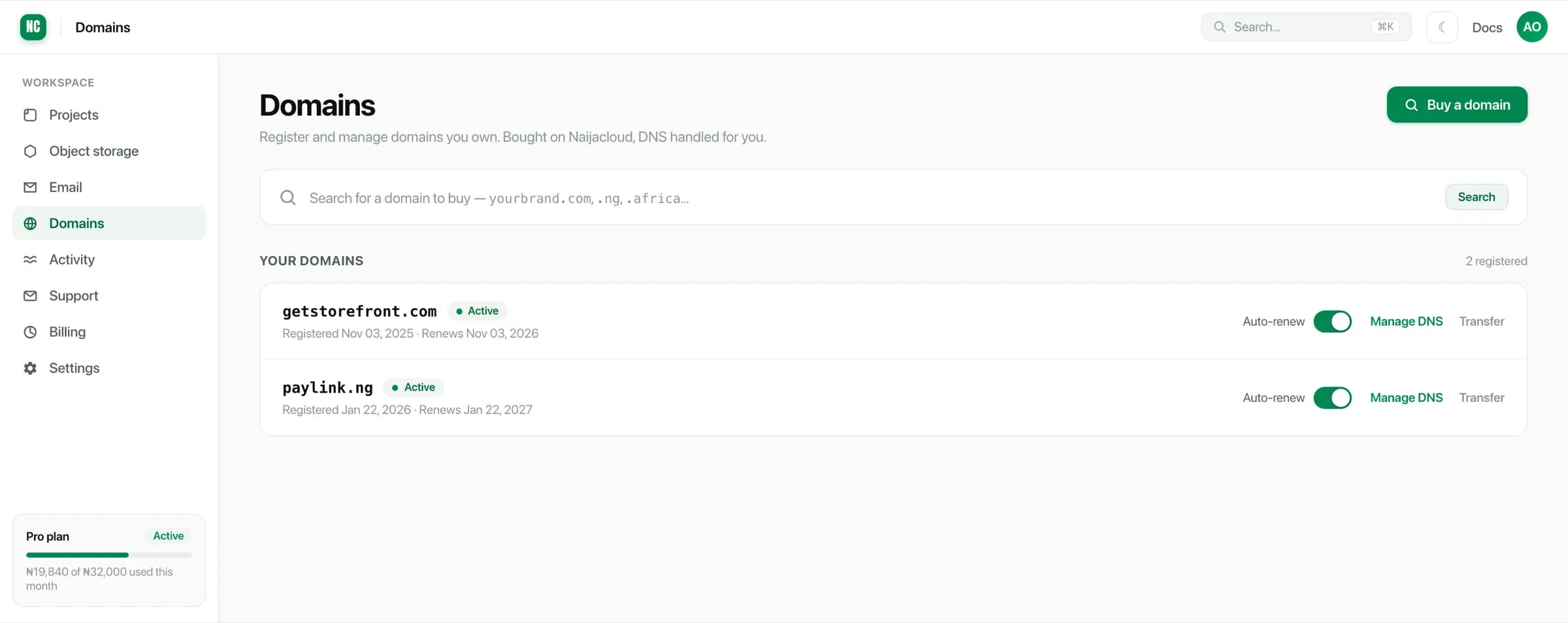
Records can be added, edited and removed. Each has a type, a name, a value and a TTL.
Record types
| Type | Points a name at | Typical use |
|---|---|---|
A | An IPv4 address | A root domain |
AAAA | An IPv6 address | A root domain, over IPv6 |
CNAME | Another name | A subdomain |
MX | A mail server | Receiving email |
TXT | Arbitrary text | Verification, SPF, DKIM |
Names are relative to the domain
The name field is the part in front of your domain:
| Name | Resolves as |
|---|---|
@ | example.com |
www | www.example.com |
app | app.example.com |
* | Any subdomain not matched by another record |
Do not enter the full domain in the name field. app.example.com typed as a name
under example.com creates app.example.com.example.com, which resolves for
nobody and looks correct in the list.
TTL
TTL is how long resolvers may cache the record. Auto is a sensible default.
Lower it to a few minutes before a planned change, so a mistake is quick to correct, then put it back afterwards. Changing TTL at the same time as the value does not help, because the old TTL governs how long the old value survives.
Only one record per name and type
A name can have one CNAME, or one set of A records. Not both, and not two
CNAMEs. Conflicting records are the most common reason a domain resolves for
some people and not others, because different resolvers pick differently.
When repointing a domain from another host, remove the old record rather than adding a second one beside it.
Verifying a service domain
When you add a custom domain to a service, the record you are shown goes here. Add it with the exact name and value given, then return to the service. Verification picks it up once it resolves.